Contixo K3
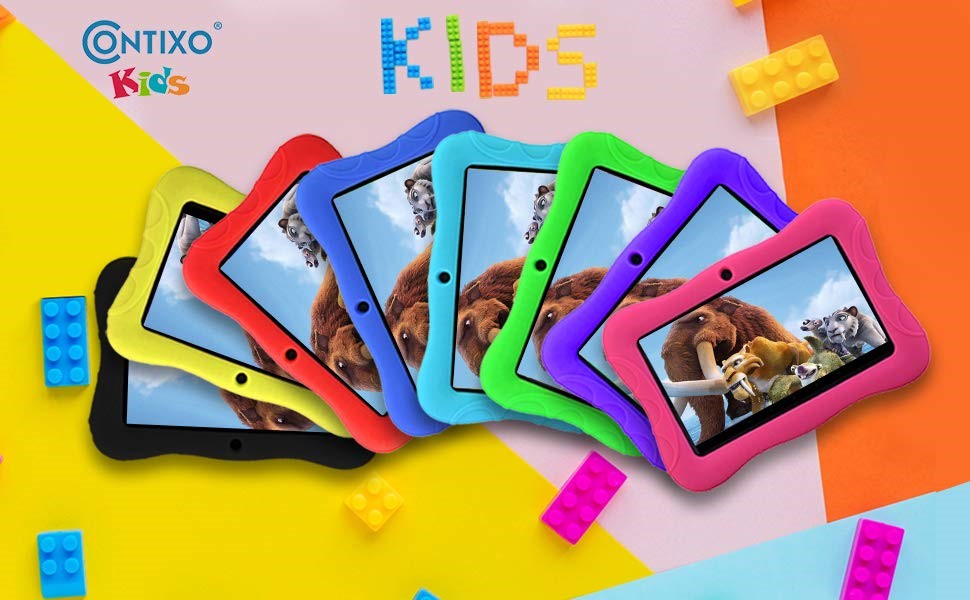
Contixo Kid-Friendly Tablets - Many Colors Available (Choose from Black, Yellow, Red, Dark Blue, Light Blue, Green, Purple, and Pink)
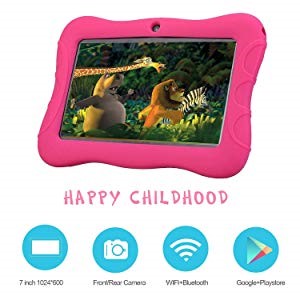
Kid-Approved! Buy a Kids Tablet that Children Will Be Sure to Love.
Nothing is more satisfying than a happy child. The Contixo Kids Tablet will keep kids entertained for hours on end. Plus, you won't have to worry about them playing with your smartphone or any other electronic device. Kids will treat this tablet as their very own.
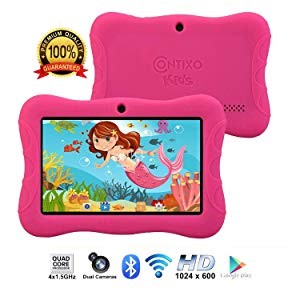
Contixo Kids Tablet Specifications & Features
thousands of child and age appropriate apps and games options in Google Play store. Connect via Bluetooth with the Contixo Bluetooth keyboard & Contixo Kids Bluetooth Headphones.
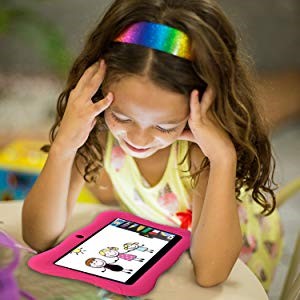
Made Just for Kids - Contixo 7" Kids Tablet w/ Wi-Fi, Bluetooth, Camera, Case
Hours and hours of entertainment that kids love! From learning, drawing, reading, and more, then are tons of age-appropriate apps for kids of all ages and gender. Recommended for ages 2+ to 12.
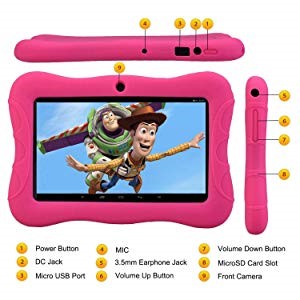
Contixo Kids Tablet - Features & Layout
CONTIXO KIDS TABLETS with WiFi, camera, apps, games and more are great for kids of all ages (recommended age 2+ to 12 years of age). It comes with parental-control software, supports multiple user profiles, free tablet protection case to prevent minor bumps and scratches and more.
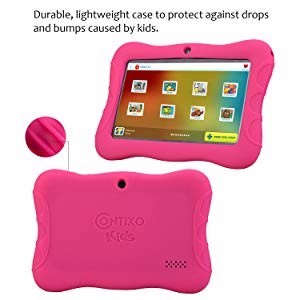
Includes Tablet Protective Case
Included soft silicone cover case helps protect the tablet against any minor bumps or drops.
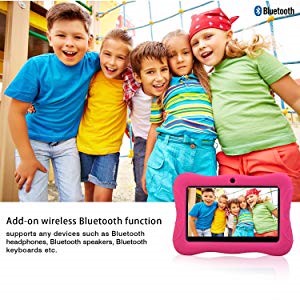
Bluetooth Wireless Feature & Built-In Camera
Our Contixo kids tablet has Bluetooth wireless feature and is compatible with other Bluetooth devices such as headphones, keyboards, speakers, and more. Connect a speaker, headphones, headset, keyboard, etc. wirelessly via Bluetooth connection.
-Bluetooth & Wireless N (802.11b/g/n), G-sensor: Four Ways
Front and rear cameras allow kids to take photos and capture their special moments.
-2.0MP Rear Camera & 0.3MP Front Camera

"Kids Place" Parental-Control Software
Ensures that children are protected when using the kids tablet. There's no need to worry about unfriendly content on the Internet. Kids can get access to fun educational, and learning games, videos and websites which you choose for them.
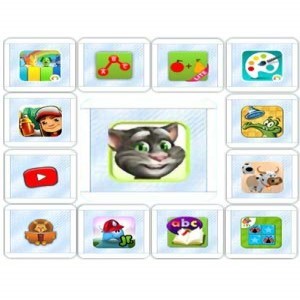
Free Game App Download Pack & Google Play Store
1. Connect your tablet to WIFI and once connected go to settings > About Tablet.
2. Click System Update
3.Click Download (264 MB)
4. When download is complete, click install now.
5. When installation is complete, system will reboot automatically. Once restarted, go to the home screen and click settings > Click Backup & Reset.
6.Click Factory Data Reset.
7. Click Reset Tablet.
8. Click Erase Everything.
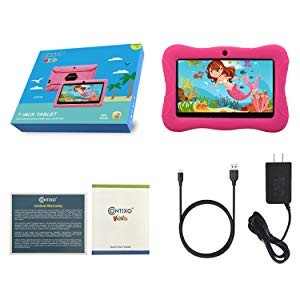
Gift Set Packaging for the Contixo Kids Tablet
What's in the box?
- 1 x Contixo Kids Tablet
- 1 x US Power Adapter
- 1 x USB Cable
- 1 x Quick Start Guide
- 1 x Information Card