Furiously Fast Refresh
Don’t skip a single frame. Ever. With a refresh rate revving up to a rate 240Hz
1
, you better buckle up or get blown away.
-
240Hz Refresh Rate 1
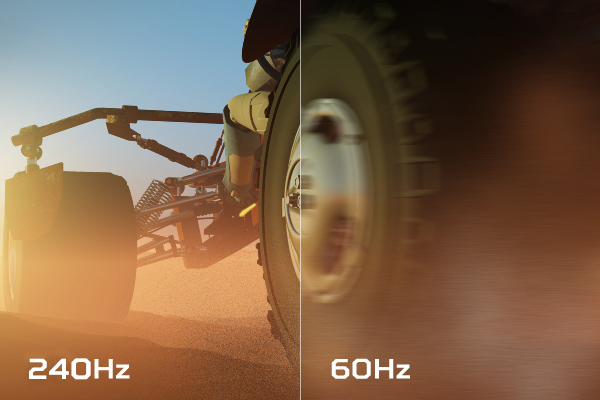 A high refresh rate allows you monitor to refresh images more quickly. Combined with a powerful GPU, they make for a seamless game experience.
 -
1ms Response Time
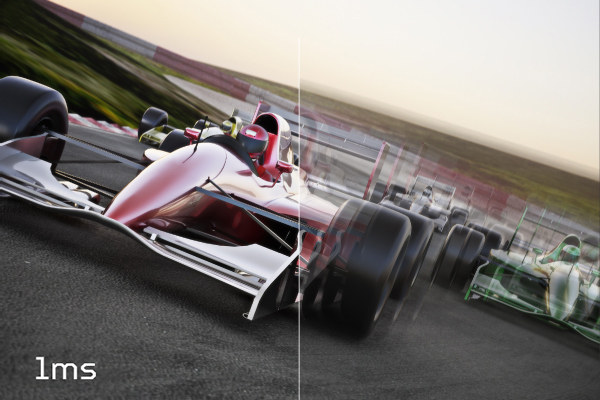 With this incredibly low response time of 1ms, motions blur and visual artifacts around rapidly moving images will be practically nonexistent.
Locked-in Perfection
It’s a new beginning. With NVIDIA
®
G-SYNC
TM
, you’ve entered a world where frames are seamless and perfect.
-
NVIDIA ® G-SYNC TM
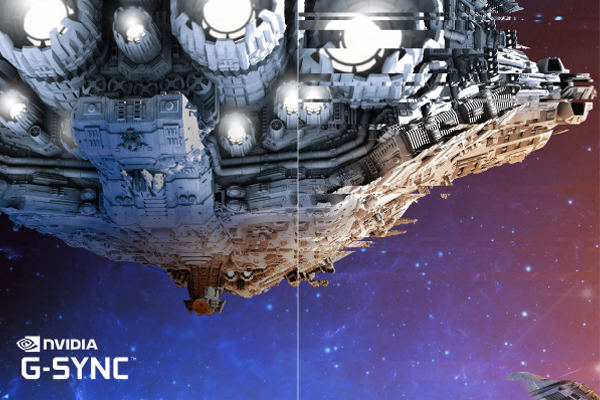 NVIDIA ® G-SYNC TM creates a smooth gaming experience by syncing frames rendered by the GPU to the refresh rate of the display. This eliminates screen tearing and minimizes stuttering.
 -
NVIDIA ® ULMB TM (Ultra Low Motion Blur)
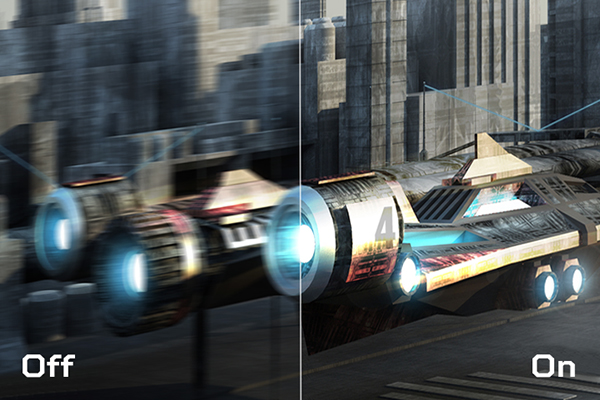 NVIDIA ® ULMB TM or Ultra Low Motion Blur, decreases motion blur and minimizes ghosting during fast-paced gaming which results for a smoother overall look. 2
-
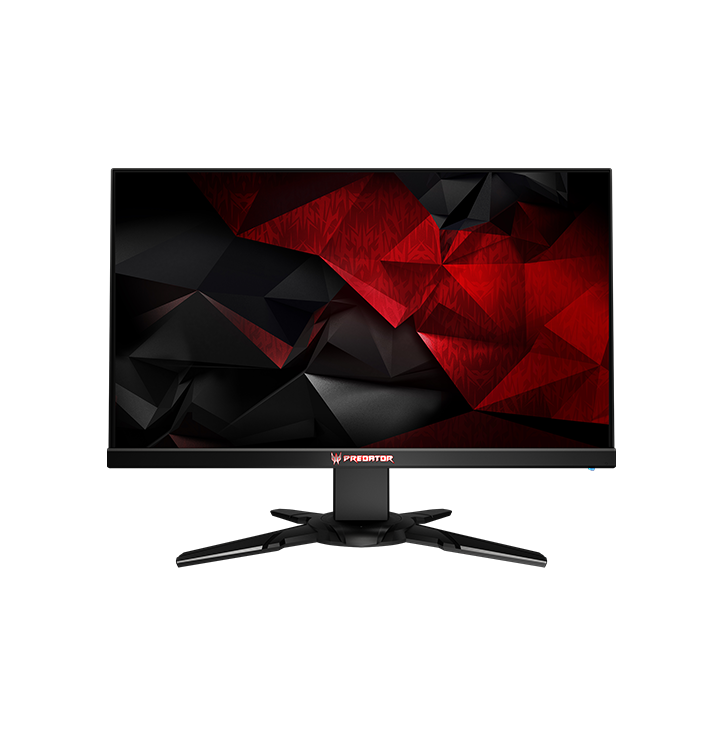
FrontLike the burnished hue of a blade, deep-silver accenting on the black X-shaped stand makes its presence known.
-
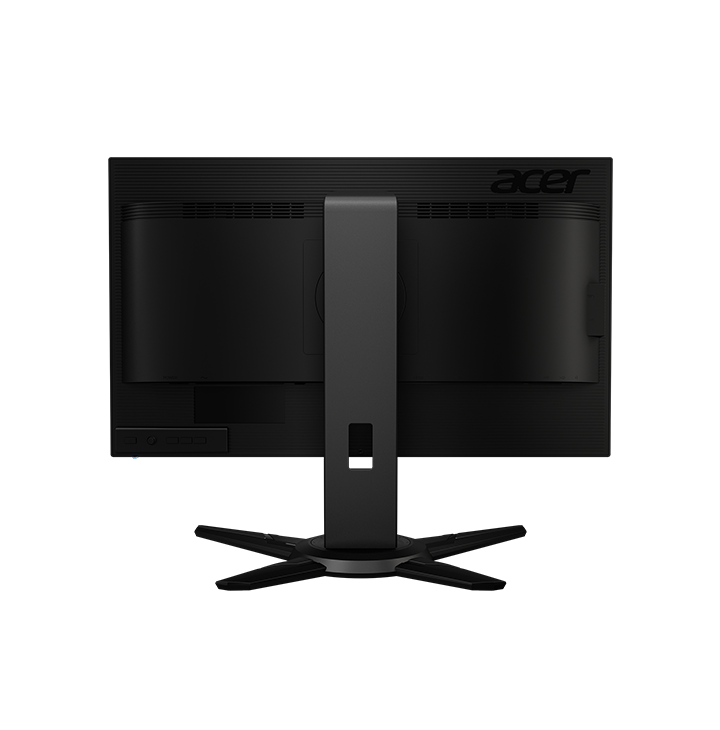
BackGood form, better function. Ergonomically-designed for tilt, swivel, pivot and height adjustment.
Seize Control
Conquer your enemies with Predator GameView. Shooting aim-points and customizable gaming profiles give you the upper hand.
-
Intel ® Extreme Masters Qualified 3
 The XB2 display is an IEM 2016-approved tournament-ready monitor. Every aspect, technology and function of the display was developed with the core values of professional gaming in mind.
 -
Predator GameView
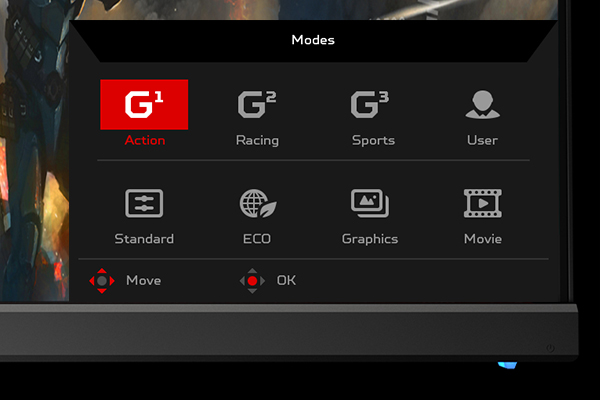 Predator GameView technology allows you to adjust dark boost levels, make precise color adjustments and set up aim points for hip-fire accuracy. Save custom settings in three profiles you can switch between at any time.
1. Actual refresh rates may vary depending on computer specifications/hardware and/or set up.
2. Ultra Low Motion Blur only works at 100Hz, 120Hz and 144Hz. ULMB is cannot be run alongside NVIDIA
®
G-SYNC
TM
, which must be disabled in NVIDIA
®
’s driver control panel and/or on the display itself. ULMB can be activated from within the OSD menu.
3. This applies only to the XB2 model.