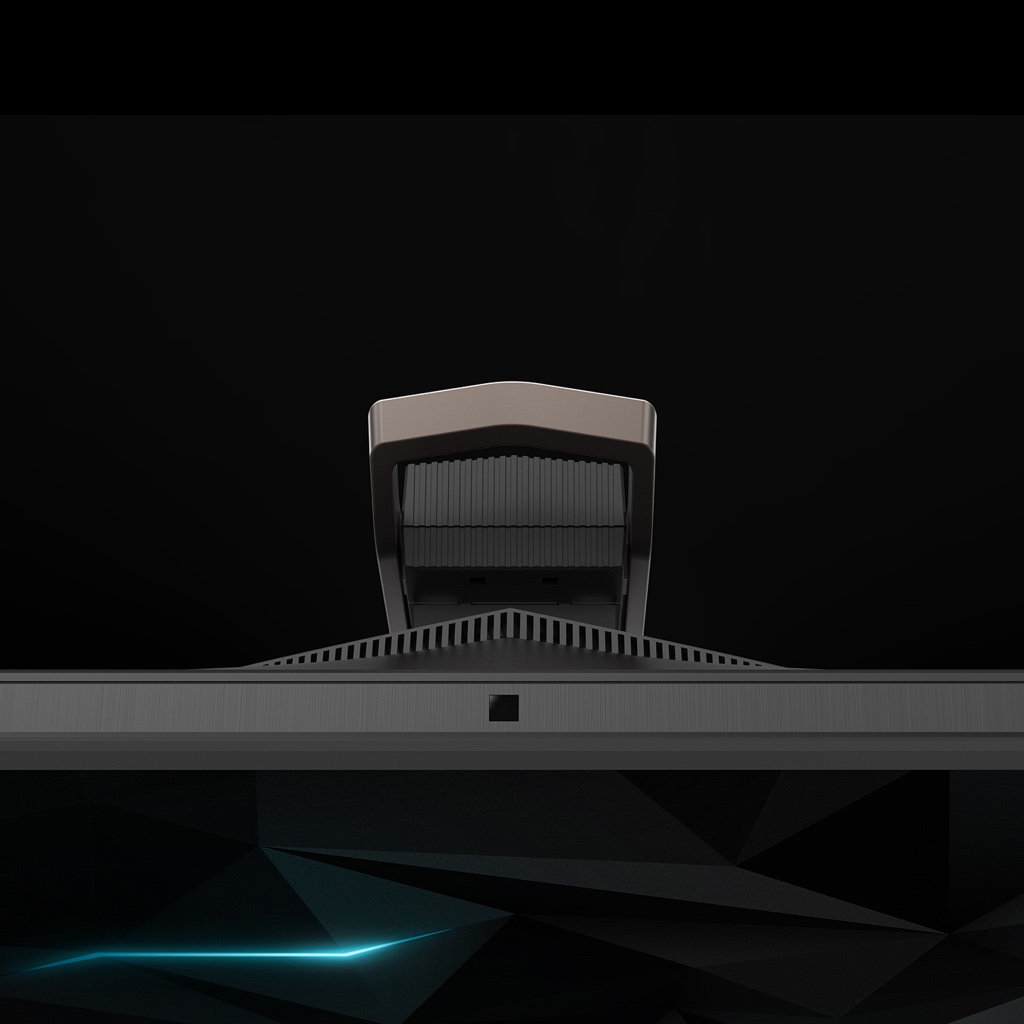
PREDATOR X27
SCULPTED STAND
The diamond-cut, geometrically-inspired arms extend outward, accenting the chiseled all-metal stand.
BE FLEXIBLE
Good form, better function. Ergonomically-designed for tilt, swivel and height adjustment.
4K
Max Resolution
Max Resolution
Unrelenting perfection. It lives within every 4K screen, eager for the chance to push image quality beyond what’s expected.
THE MORE, THE BETTER
How do 384 individually-controllable LED backlight zones sound? If you happen to prefer the most realistic image possible, then this is for you.

BASK IN BRIGHTNESS
When it comes to the screen, we decided to go all out and with a peak brightness of up to 1000 nits, you can too. Day, night, eclipse – game as you please.
LET THERE BE LIGHT
Enhance and empower what you hear with some incredible tools from Sound BlasterX®’s Pro Gaming audio engine. Goodbye mediocre, hello marvelous!
144
HZ
FUEL FOR YOUR 4K
FUEL FOR YOUR 4K
Demolish the possibility of motion blur and reach the peak of your 4K gaming potential with a refresh rate revving up to 144Hz
1
.
GOOD-BYE GHOSTING
What does a 4ms response time mean to you? It means that the annoyances of motion blur or visual artifacts will be practically nonexistent. Perfect.
LOCKED-IN PERFECTION
Lock your frames to game with NVIDIA® G-SYNC™ HDR. Now that you’re part of the pack, enjoy your seamless, tear-free gaming.
HDR
NVIDIA® G-SYNC™ HDR
NVIDIA® G-SYNC™ HDR
Smooth, tear-free gaming is illuminated in the darker blacks and brighter lights of the NVIDIA® G-Sync™ HDR display.
HDR: TELL ME MORE
HDR, or high-dynamic range, refers to image luminance and has a long, detailed explanation. In short: it gives contrast that realistic touch we crave in gaming.
THE RIGHT MODE
Using GameView4, there are three game modes to choose from: action, racing and sports. Use the default profile or customize your own to fit your preferences.
3
1
Actual refresh rates may vary depending on model and/or region, computer specifications/hardware and/or set up. This device is designed to support refresh rate overclocking up to 144Hz. However, overclocking may result in system instability. If you experience instability, try reducing the overclock to a lower refresh rate through the on-screen display settings.
2 This feature may not be available for all games.
3 Access your profile by selecting Action / Racing / Sports profile in game mode.
4 GameView specifications and features may vary depending on model and/or region.
5 35% color coverage comparison relates to 99% Adobe RGB vs. standard sRGB.
6 Specifications may vary depending on model and/or region.
2 This feature may not be available for all games.
3 Access your profile by selecting Action / Racing / Sports profile in game mode.
4 GameView specifications and features may vary depending on model and/or region.
5 35% color coverage comparison relates to 99% Adobe RGB vs. standard sRGB.
6 Specifications may vary depending on model and/or region.