Compact & Easy to Connect Inkjet All-in-One | Brother™ MFC-J885DW
Compact, economical, productive, and powerful. The Brother™ Work Smart™ Series MFC-J885DW is the ideal solution for the business of your home – as well as your home-based business. This wireless color inkjet All-in-One delivers, reliable printing, copying, scanning, and faxing. The large 2.7" TouchScreen display allows you to effortlessly navigate easy to use onscreen menus. Value-added features enhance your workflow - including two-sided printing, NFC "touch to connect"‡ capabilities, and simple connectivity to mobile devices‡ and the cloud‡. With free phone support for the life of the product, this Brother All-in-One will be part of your family – and a partner in your business - for a very long time.
Compact and easy to connect. The Brother MFC-J885DW offers easy wireless setup in an economical color inkjet All-in-One.
The Brother Work Smart MFC-J885DW is exactly what you’re looking for when selecting a compact color inkjet All-in-One that offers easy, intuitive operation, plenty of connectivity options, and the ability to print on various specialty media - all without breaking your budget. You’ll discover that connecting to a wireless network couldn’t be easier, thanks to the wireless assistant that completely walks you through set up 1 . It’s so simple - you don’t need a USB cable, and you won’t even need to know your wireless network password. Share the machine with others on a wireless network or wired Ethernet networking, or connect to a single computer using a USB cable (not included).
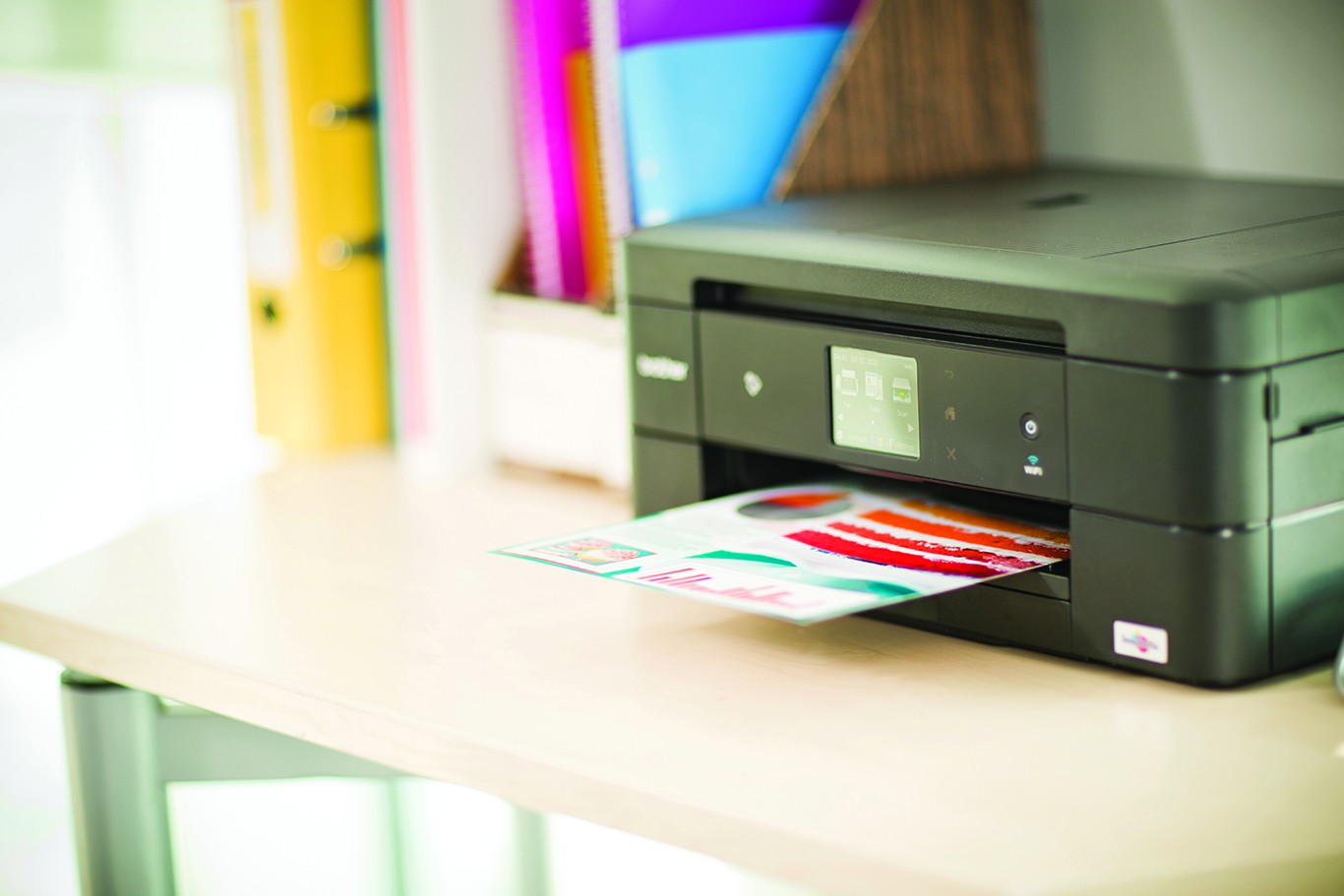
The MFC-J885DW is a compact and easy to connect color inkjet All-in-One.
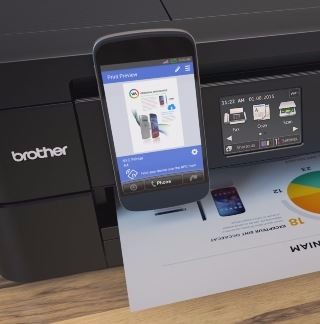
Multiple options for wireless printing from your compatible mobile device.
Enjoy the freedom of printing from almost any mobile device 2 .
The MFC-J885DW gives you a full menu of choices for connecting to Apple®, Android™, Kindle Fire™, Windows® Phone, or Blackberry mobile devices. Near Field Communication (NFC) capability automatically establishes a direct connection between your NFC-enabled smartphone or tablet and the MFC-J885DW 3 , so you can print or scan - without having to connect to a network or enter any login credentials! The MFC-J885DW also supports wireless printing from your mobile device via 2 : AirPrint®, Mopria and Brother iPrint&Scan, a free downloadable app that offers printing and scanning. Additionally Wi-Fi Direct® allows you to print wirelessly from a PC or mobile devices without the need for a router.
2.7” color TouchScreen Display, Web Connect 4 interface and Brother Cloud Apps 5 add a new dimension of functionality to your color inkjet all-in-one.
The MFC-J885DW features a 2.7” TouchScreen Display for easily navigating onscreen menus. You can access popular web services directly from your internet-connected MFC-J885DW from the TouchScreen Display using the Web Connect interface 4 . Scan directly to popular cloud services without using a computer, including GOOGLE DRIVE™, DROPBOX, FACEBOOK™, BOX, ONENOTE® and more. It also offers easy access to a suite of Brother Cloud Apps 5 . You’ll be impressed by the functionality of these document management and sharing apps. The TouchScreen Display also allows you to create shortcuts to your most-commonly used machine operations plus includes Brother Creative Center templates that let you print commonly-used business documents like calendars, note-taking forms, signage, as well as fun seasonal documents.
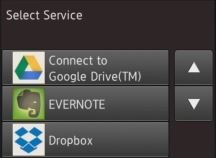
Scan to leading cloud services directly from the MFC-J885DW without using a computer.
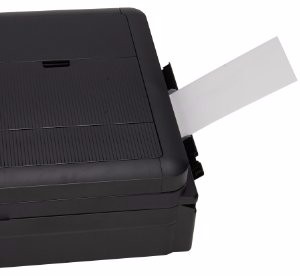
Bypass tray can be used for printing on specialty paper, card stock and envelopes.
The MFC-J885DW is built for flexible paper handling with a versatile bypass tray.
Print on photo paper, card stock, labels, envelopes and other specialty media using the single-sheet bypass tray. It’s compact, so it won’t waste your valuable desk space, and the automatic duplex (2-sided) printing helps save paper. The 100-sheet capacity paper tray holds up to legal (8.5” x 14”) sized paper and a convenient up to 20-sheet Automatic Document Feeder is ideal for unattended scanning, copying and faxing. And you’ll spend less time waiting for your printouts with print speeds of 12ppm black or 10ppm color 6 .
Brother is committed to quality and is at your side with free phone support for the life of your product.
At Brother, our goal is to provide dependable, business class solutions to help increase productivity and efficiency and reduce costs. Brother is At Your Side with a 2-year limited warranty and FREE phone support for the life of the product.
AirPrint is a trademark of Apple, Inc. Kindle Fire is a trademark of Amazon.com, Inc. or its affiliates. Microsoft Office, Word, Excel, PowerPoint, and Windows are either a registered trademark or trademark of Microsoft Corporation in the United States and/or other countries. Mopria is a trademark of the Mopria Alliance. Android is a trademark of Google Inc. Use of this trademark is subject to Google permissions.
1
Requires connection to a wireless network.
2
Requires connection to a wireless network. See www.connectprintshare.com for details, availability, and mobile device compatibility.
3
The mobile device must have NFC capability and run Android OS 4.4 or later.
4
Requires internet connection and an account with desired service. See www.connectprintshare.com for details.
5
Requires internet connection. See www.connectprintshare.com for details.
6 ISO print speed based on ISO/IEC 24734. For more information about print speed methodology, see www.brother-usa.com/printspeed.